Level Maps Pro · Design package
Floating grid
Free
AnimatedNine animated tiles that float as a 3 × 3 grid – one complete level that changes as learners progress. All Level Maps designs
Free download, no registration needed.
- Requires Level Maps Pro
- Licensed under CC BY 4.0 (opens in a new tab)
- Contains AI-assisted elements (Tool: Midjourney).
What’s included
1 level, 9 animated tiles
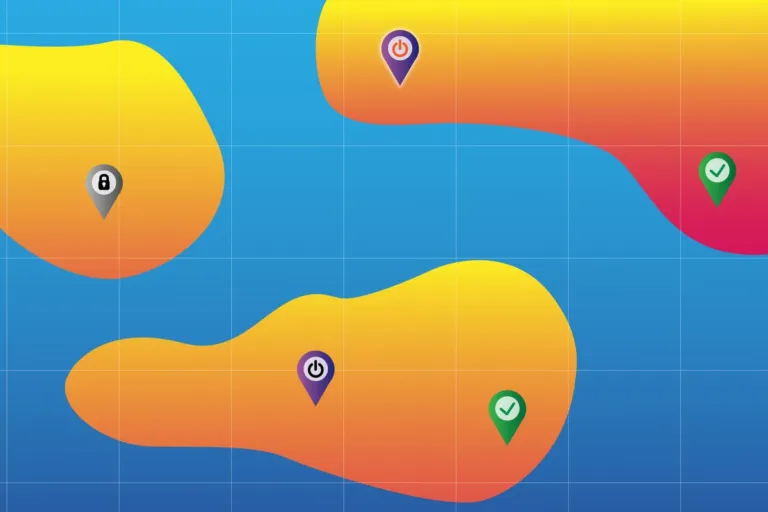
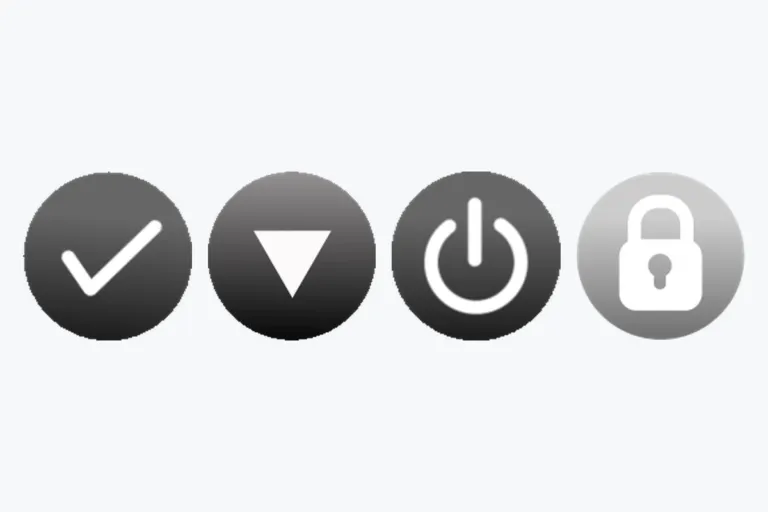
Nine activity tiles in four states – available and completed animated –, level background and thumbnails.
Completion background
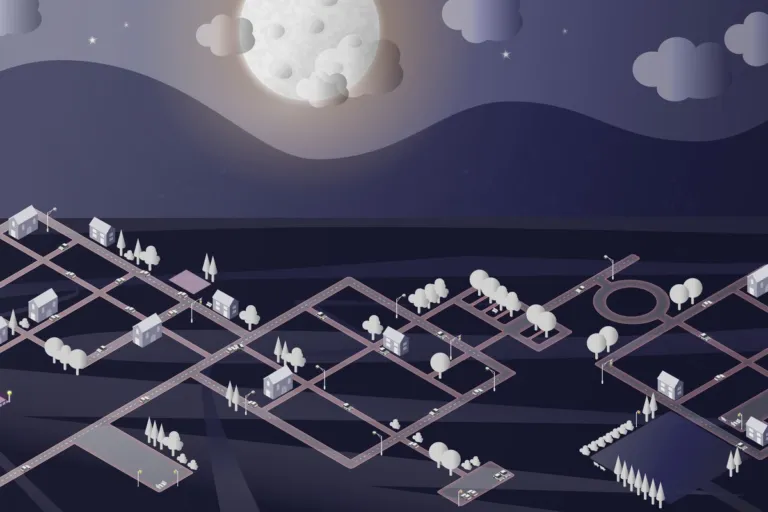
The background changes once the whole level is completed.
Course images
Course image, course background and 4 level thumbnails – 44 files in total.
Impression of the level
Click to view large · swipe or use arrow keys
See it in Moodle
The package in a real course · click to enlarge
In a course (Level Maps course)
How to integrate
- Add levelsSet the course format to Level format and add your levels.
- Set backgroundsDrag and drop the background images into each level.
- Add activity imagesDrag and drop the activity files from the package.
- Set positionsPlace each activity on the canvas.
Design studio
Create your own Level Maps Pro designs
File sizes, formats and what makes a design work, step by step.
Open the guide ↗