Design packages · Skills
Make every level look like progress
Images for skill levels: a start image for level 0 and one image per level. With Skills Pro, Dash shows them in any block region.
- Free
- Start image + level images
- Requires Skills Pro
3 packages · all free
Explore our designs
Ready in minutes
How to use the packages
-
Install Skills
Skills Pro assigns skills to activities and shows level images with Dash.
-
Download a package
Download a free set.
-
Add the images to your levels
Each skill has up to 10 levels, starting at level 0. Upload one image per level and rename the levels as you like.
-
Show the levels
Add the Skill level visuals block to a dashboard or any block region. Learners see their current, passed and next levels.
Design guide
Create your own level images
What makes level images work
Start at zero
Level 0 is where every learner begins. Make it inviting, not empty.
Show the change
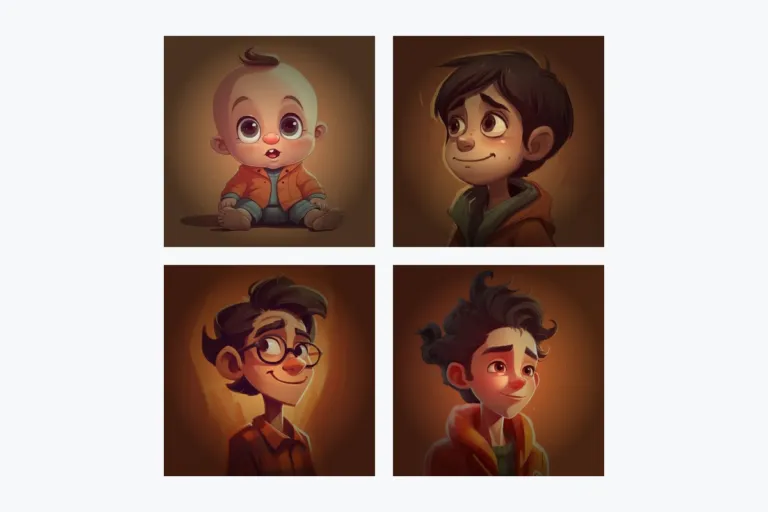
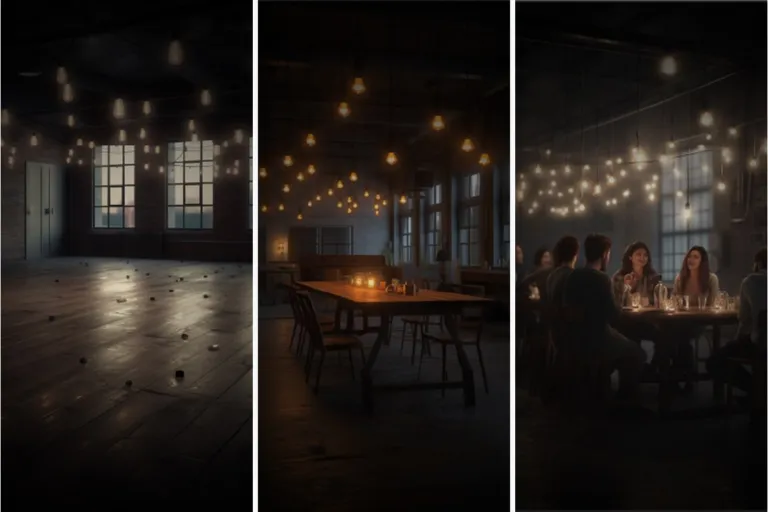
Each level should look clearly further along than the last: a character growing up, a room filling with light.
Plan the whole series
Decide how many levels a skill has before you draw. Up to 10 are possible.