Design packages · Level Maps
Build a learning world, not a course page
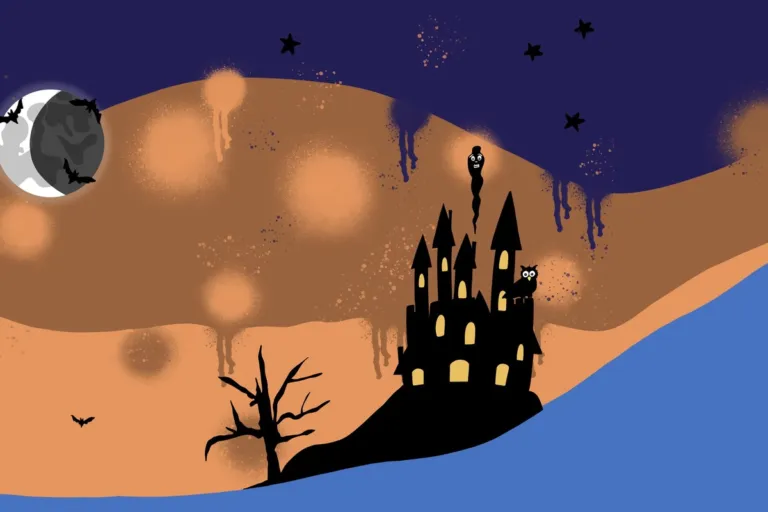
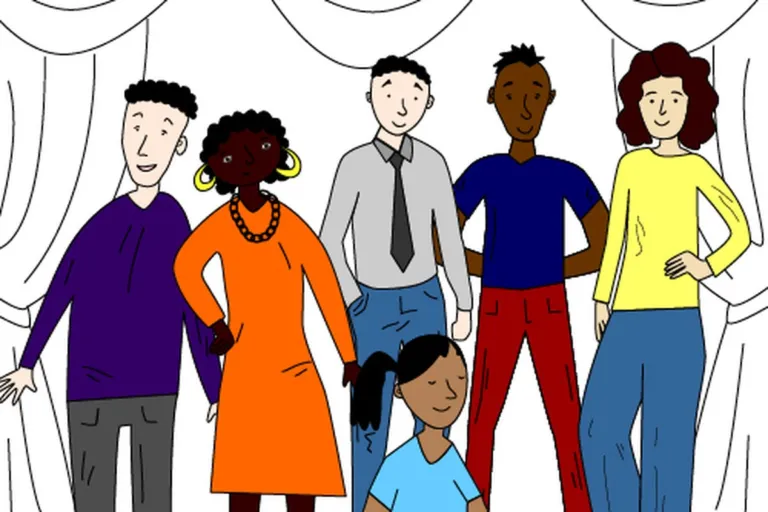
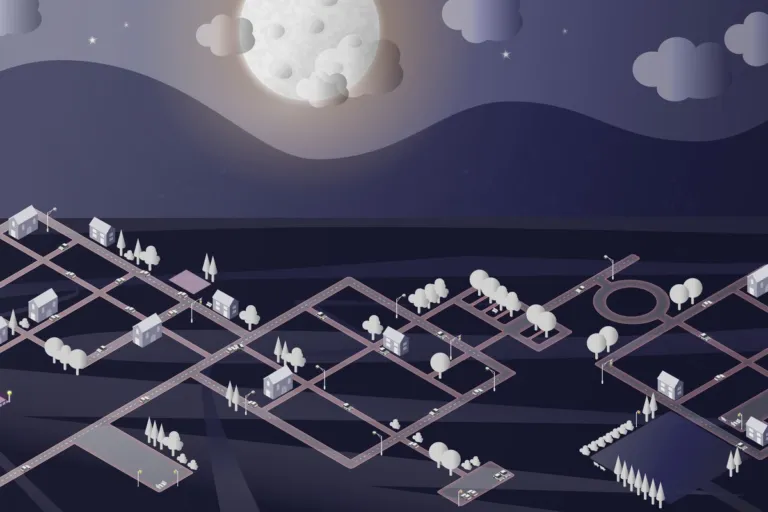
Complete level designs for Level Maps Pro: backgrounds, thumbnails and activity images in every state. Some packages include a backup file that sets up the course for you.
- 9 packages
- Free and premium
- Every activity state included
- Requires Level Maps Pro
9 packages · free and premium
Explore our designs
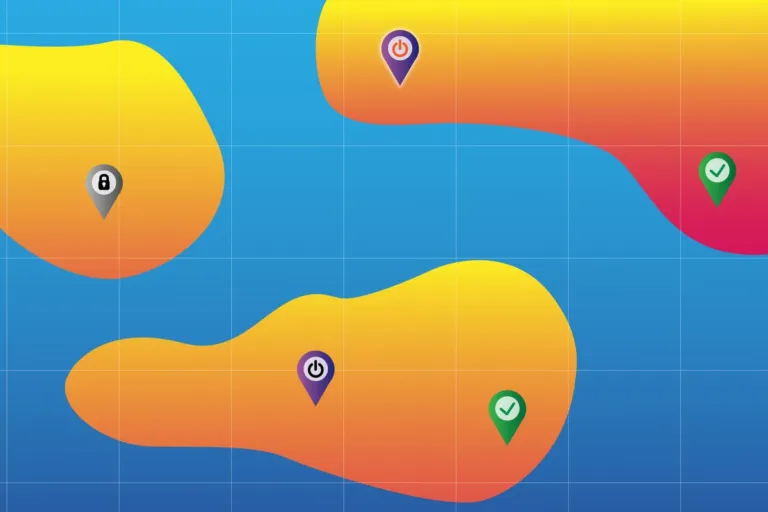


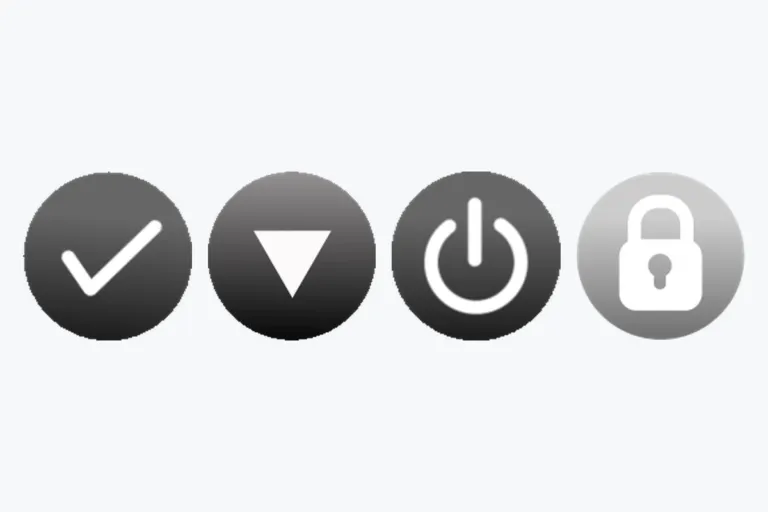
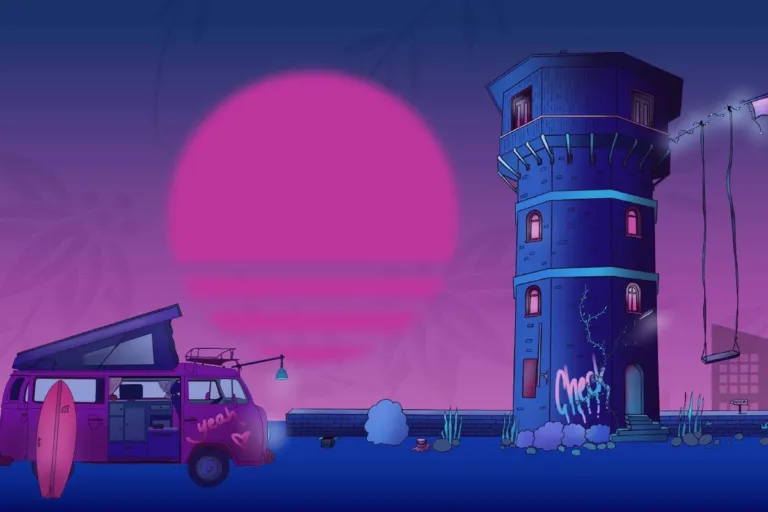
Ready in minutes
How to use the packages
-
Install Level Maps Pro
Set the course format to “Level format”.
-
Download a package
Packages include activity images in every state, backgrounds and thumbnails.
-
Set up course and levels
Upload course image and background in the course settings, and level backgrounds via “Edit Level”. A backup file, if included, does this for you.
-
Place the activities
Drag and drop the activity images, leave edit mode, click “Setup Position” and drag each activity to its spot.
Settings that work with our packages
- Level Map size
- Original size. Try “Fit height” for a more vertical layout.
- Object position
- Bottom, for objects that stand on the ground.
- Activity image size
- Pre-sized. No adjustment needed.
- Thumbnail size
- 500 × 500 px
Design guide
Create your own learning world
Illustrator, Photoshop or Figma all work. JPG for large images, PNG for transparency, GIF for animation.
Anatomy of a level
Three image types
Activity images
One per state, all on the same artboard size so nothing jumps when states change.
Level background
Your canvas. Explorative designs around 3500–4500 × 1000–2000 px.
Course background
The stage for the level thumbnails. 1920 × 1080 px suits most screens.
Design every activity state
Unavailable
Grayscale or a lock. No image? Level Maps adds transparency and a lock.
Available
Your base design.
Next
Highlight where to go.
Active
On hover: a glow or slightly brighter. Leave it out to let learners explore.
Completed
Celebrate: brighter colors, a checkmark, a surprise.
Choose how learners move
Original size
Move in any direction. Rich, explorative worlds; searching can be part of the game.
Fit height
Horizontal scrolling. Best for pathways and timelines.
Fit width
Vertical scrolling. Climbing a tree, descending through layers.
Tell a story through states
- Zoom: vary the size
- Movement: vary the position
- Fade in with transparency
- Pins that change
- Surprise transformation on completion
- GIF animation