Design packages · Content Designer
End every lesson on a high
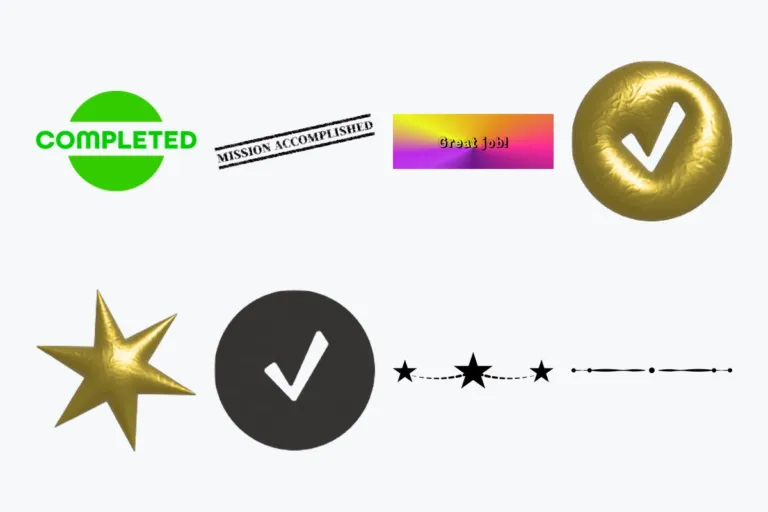
Outro images for Content Designer: the last thing learners see when they finish a learning unit. Free and ready to drop in.
- Free outro set
- 8 images, PNG and JPG
- Requires Content Designer
1 package · free
Explore our designs
Ready in minutes
How to use the packages
-
Install Content Designer
Add Content Designer to your Moodle site.
-
Download a package
Download the free outro images.
-
Add an outro
End your learning unit with an outro element and drag and drop an image into it.
-
Go further (optional)
Use images as headers in the table of contents (Content Designer Pro) or in any rich text element.
Design guide
Create your own image elements
PNG, JPG or GIF work best. Two places, two rules:
Outro images: final size
Images can’t be resized inside the activity. Export them at exactly the size they should appear.
TOC headers (Pro): decorative only
Header images are cropped depending on screen size. Leave out text and anything that must stay visible.
Ideas for your outro
- Points or a badge earned
- Celebration: confetti, medals, trophies
- Next step: arrow or signpost
- Feedback prompt
- Thank-you message with a mascot
- Progress bar or checklist
- Scene that matches the topic
- A short inspirational quote
- GIF animation