Design packages · Timetable
Feedback learners get at a glance
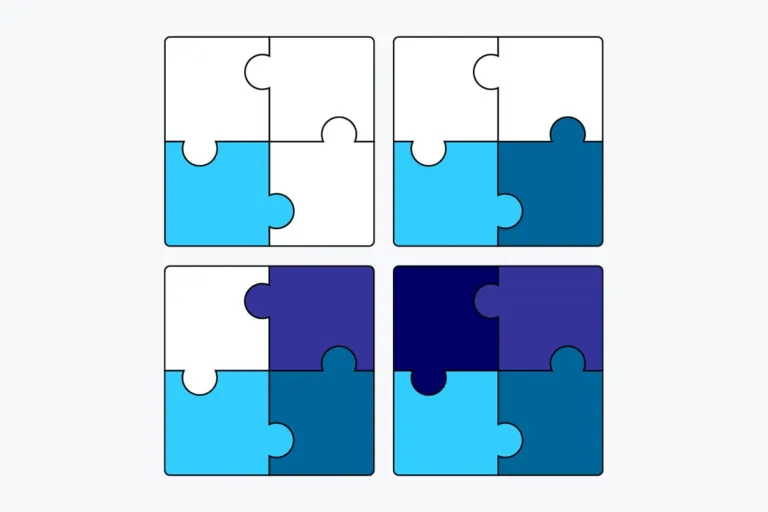
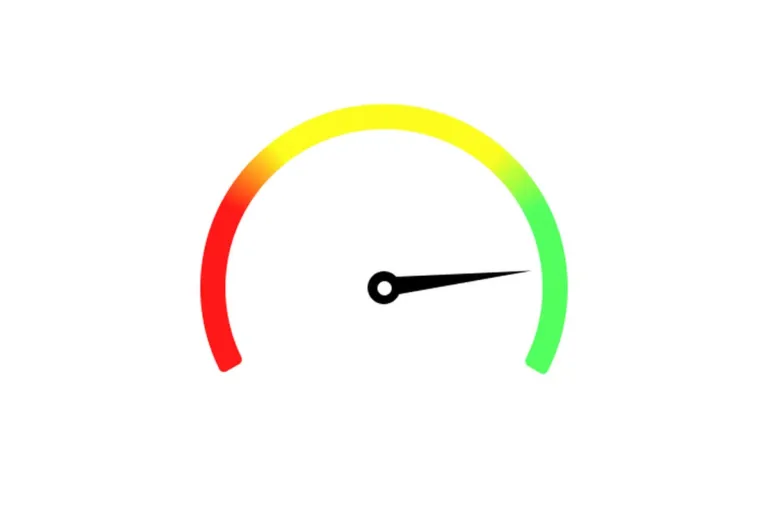
Visuals for Timetable’s success prediction: one image per score range, so learners see right away whether they are on track.
- 3 free packages
- One visual per score range
- Requires Timetable Pro
3 packages · all free
Explore our designs

Ready in minutes
How to use the packages
-
Install Timetable Pro
Success prediction is a Timetable Pro feature.
-
Download a package
Download a package.
-
Set the score ranges
Define percentage boundaries for the course prediction. Each range gets its own message and visual.
-
Learners see it
The Overview tab shows the prediction as a percentage, with your message and visual.
Design guide
Create your own visuals
What makes prediction visuals work
Readable in a second
A gauge, a puzzle, a mountain: one simple image that shows the state without words.
One series, one style
All ranges belong together. Change one thing from range to range, not everything.
Encourage at the low end
A low prediction should motivate. Show how to get back on track, not failure.