Designer Pro · Masks
Category names
Free
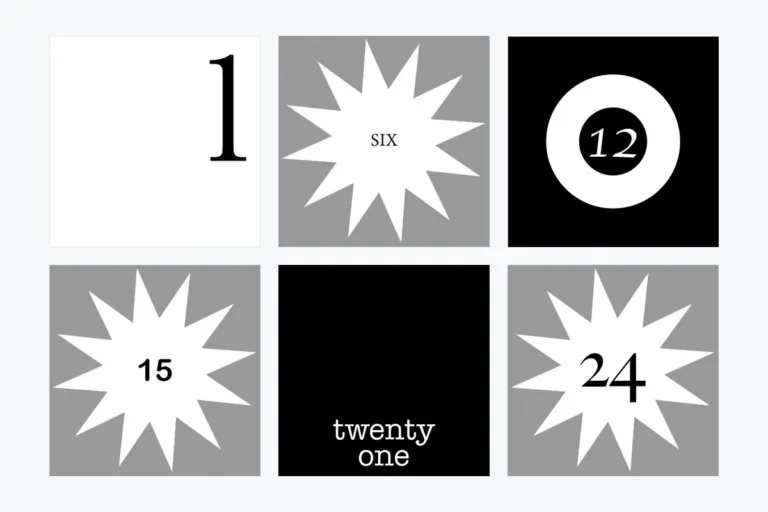
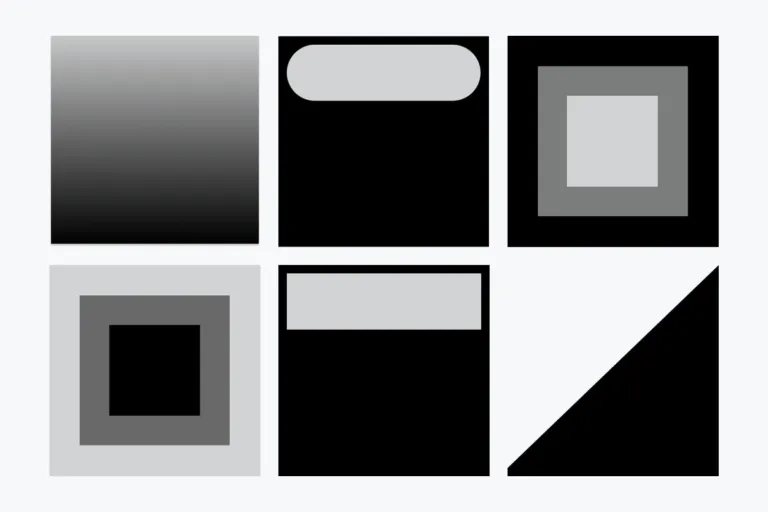
Masks to integrate category names as lettering into your activity design. Choose any background image and apply the masks. All Designer flow designs
Free download, no registration needed.
- Requires Designer Pro
- Square PNG masks
- Licensed under CC BY 4.0 (opens in a new tab)
What’s included
10 masks
Ask, Exam, Forum, Meet, PDF, Quiz, Study, Task, Test, Video. Square PNGs, 500 × 500 px.
Image + mask = masked image
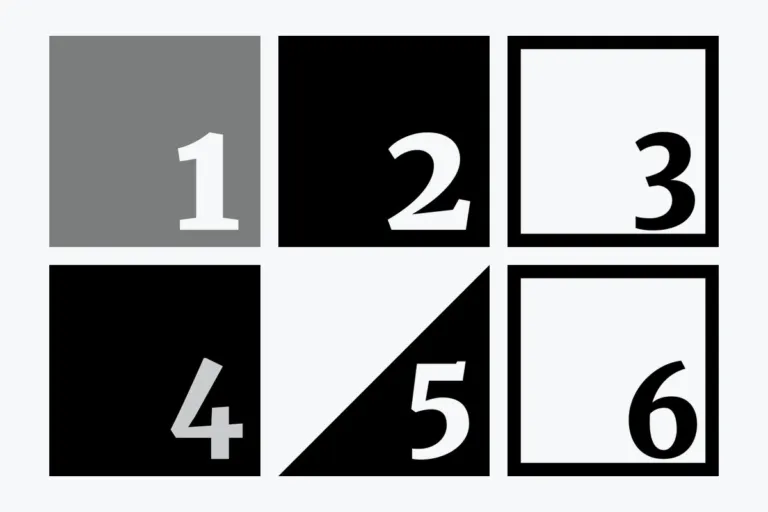
Use masks for branding, icons that show what an activity is about, or numbering.
10 masks
Click to view large · swipe or use arrow keys
See it in Moodle
The package in a real course · click to enlarge
In a course (Designer flow course)
How to integrate
- Pick a background imageChoose any image or color area for your activity or section.
- Apply a maskBlack areas are displayed, transparent areas are hidden, semi-transparent areas shine through.
- Make it yoursUse the masks for your courses or as inspiration for your own masks.
Design studio
Create your own Designer Pro designs
File sizes, formats and what makes a design work, step by step.
Open the guide ↗