Designer Pro · Masks
Numbers
Free
Masks to integrate numbers into your activity design. Choose any background image and apply the masks. All Designer flow designs
Free download, no registration needed.
- Requires Designer Pro
- Square PNG masks
- Licensed under CC BY 4.0 (opens in a new tab)
What’s included
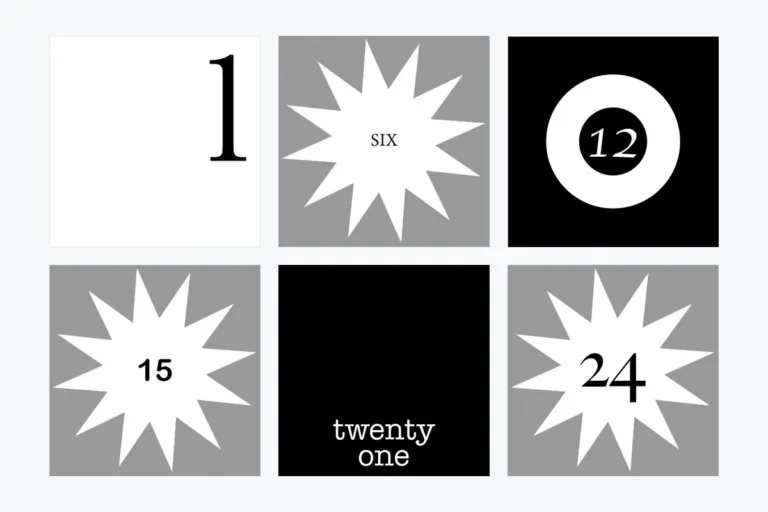
5 numbering styles
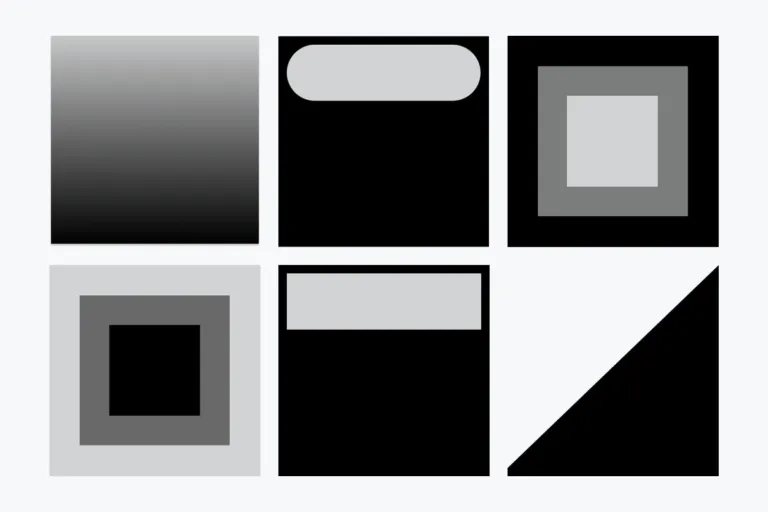
Frame, cutout, triangle, 50 % background and 18 % transparency – numbers 1 to 10 (triangle: 1 to 9).
Image + mask = masked image
Use masks for branding, icons that show what an activity is about, or numbering.
5 variants (numbers 1–10 each)
Click to view large · swipe or use arrow keys
See it in Moodle
The package in a real course · click to enlarge
In a course (Designer flow course)
How to integrate
- Pick a background imageChoose any image or color area for your activity or section.
- Apply a maskBlack areas are displayed, transparent areas are hidden, semi-transparent areas shine through.
- Make it yoursUse the masks for your courses or as inspiration for your own masks.
Design studio
Create your own Designer Pro designs
File sizes, formats and what makes a design work, step by step.
Open the guide ↗